- DATE:
- AUTHOR:
- ResellerRatings Release Team
See the Full Picture: Enterprise-Level AI Tagging Customer Journey Reports Now Available
For enterprise operators managing multiple store locations, getting a clear view of performance across your entire organization has never been simple. You could dig into each individual store's AI tagging report — but stitching that data together mentally, across dozens or hundreds of locations, is time-consuming and leaves too much room for things to slip through the cracks.
That changes today.
Introducing the Enterprise Hierarchy View in the AI Tagging Report
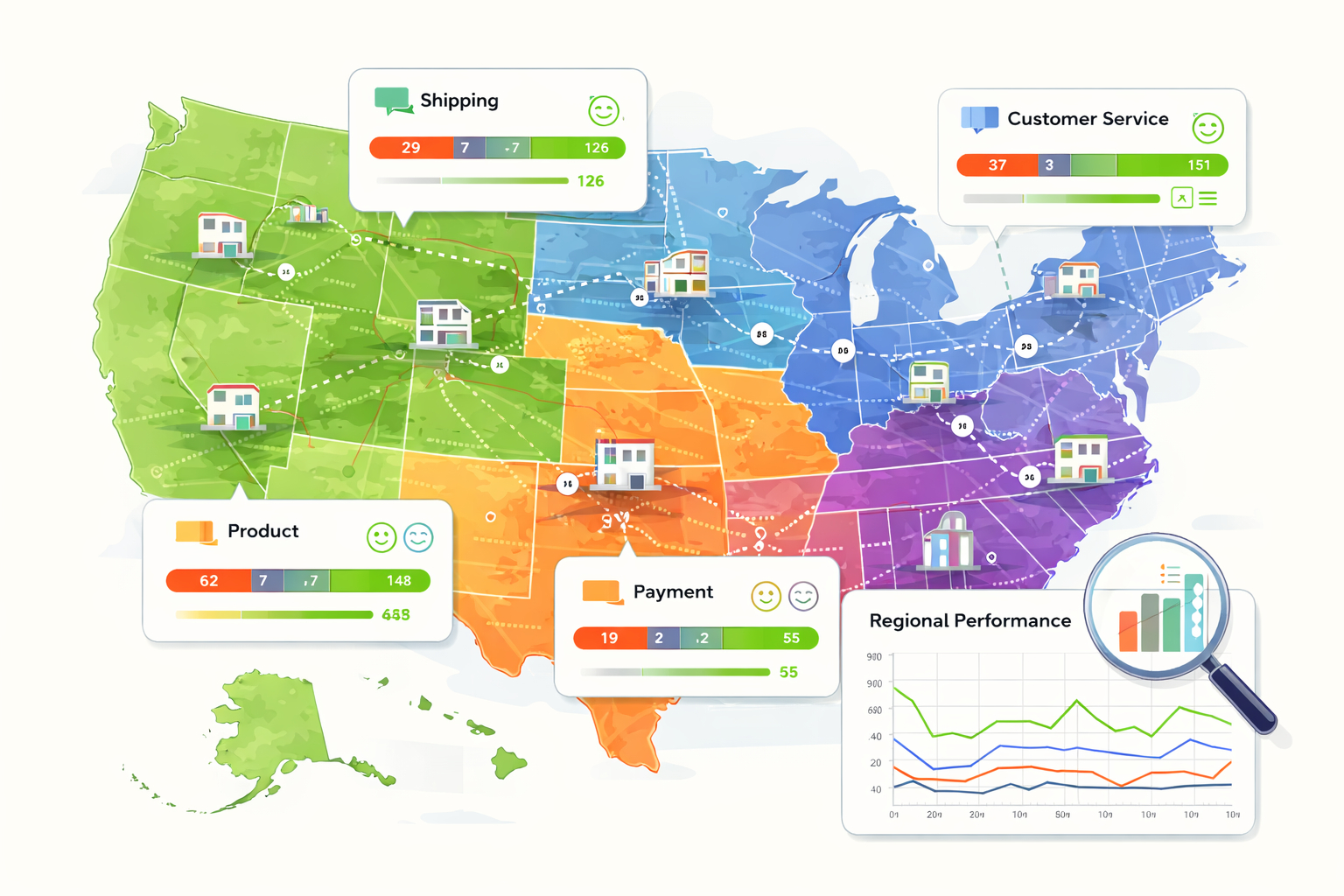
We've added a new enterprise-level view to the AI Tagging Report that lets parent accounts see aggregated data — including charts and full drilldown — across their entire store hierarchy, all in one place.
Previously, the AI Tagging Report was only accessible at the individual store level. If you were an enterprise parent account, you had no way to get a consolidated view without navigating into each child store separately. Now, when you log in as an enterprise parent, you'll see a unified view that captures every location in your hierarchy.
What This Means for Your Team
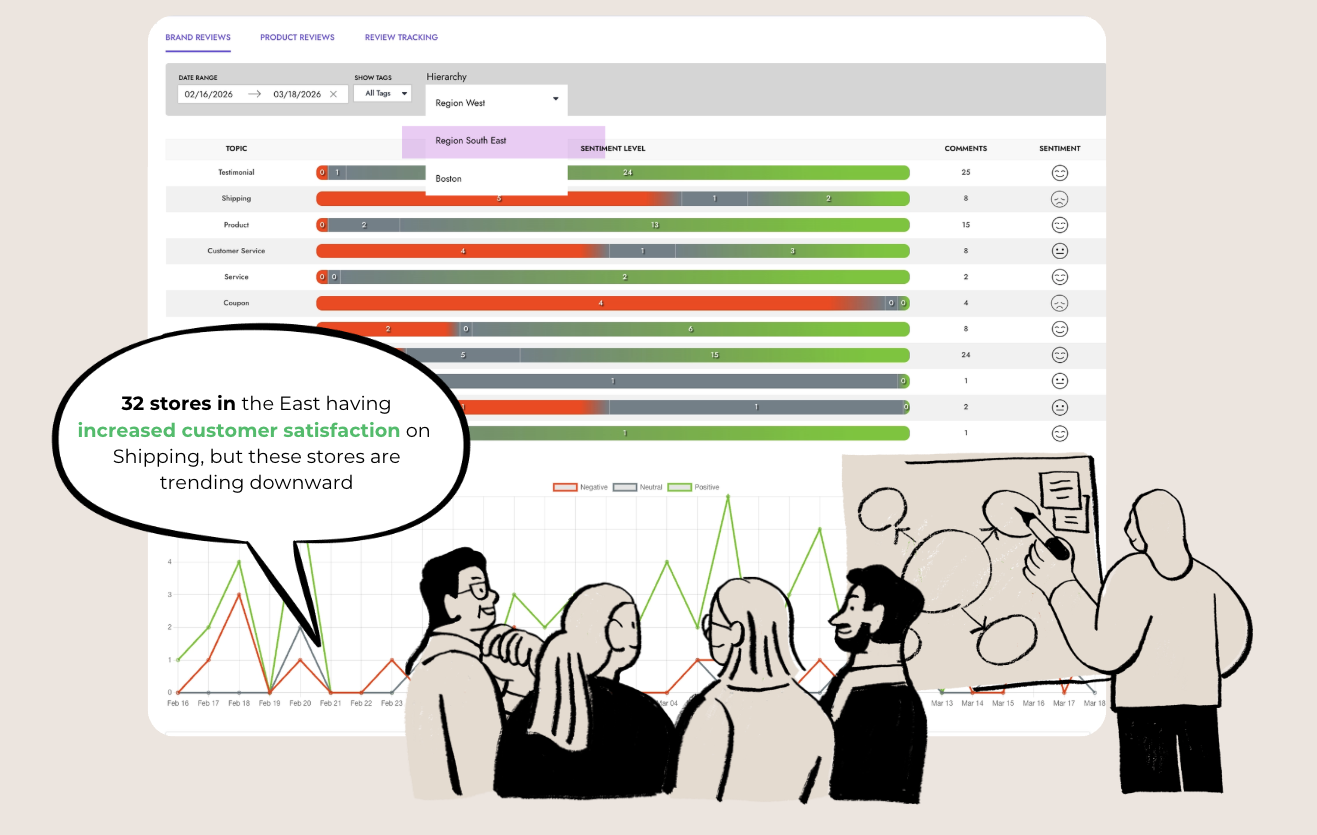
One view, your entire organization. Instead of bouncing between individual stores to piece together a picture of how AI tagging is performing, you can now see it all from a single dashboard. Every child store's data rolls up into the parent view automatically.
Charts that reflect the whole hierarchy. The visualizations in the report now reflect aggregate data from across your organization — not just a single location. Spot trends, identify outliers, and track performance at scale.
Drilldown still works the way you'd expect. You're not locked into a high-level summary. The drilldown functionality is fully preserved, so you can move from the enterprise view down to an individual store's data, or even the HIERARCHY view on how you split up regions, etc - whenever you need to investigate further.
Why It Matters
Enterprise customers operate at a different scale than single-location businesses. The tools they rely on need to match that scale. Having accurate AI tagging data — and being able to act on it — is most powerful when you can see it in context: across regions, across store types, across your whole portfolio.
This update brings the AI Tagging Report in line with how enterprise teams actually work. No more manual aggregation. No more toggling between accounts. Just a clean, complete view of what's happening across your organization.
Getting Started
If you're an enterprise parent account, the new hierarchy view is already available in your AI Tagging Report. Simply navigate to the report as you normally would — the enterprise view will be the default experience at the parent account level.
As always, if you have questions or run into anything unexpected, reach out to your account team. We're here to help you get the most out of your data.